Local-first
Project files, context, and team memory stay on your machine first.
 OpenTeam
Download for macOS
OpenTeam
Download for macOS
Not another chatbot. OpenTeam organizes different models, roles, and agents into a team that can challenge, review, verify, and deliver real project work together.
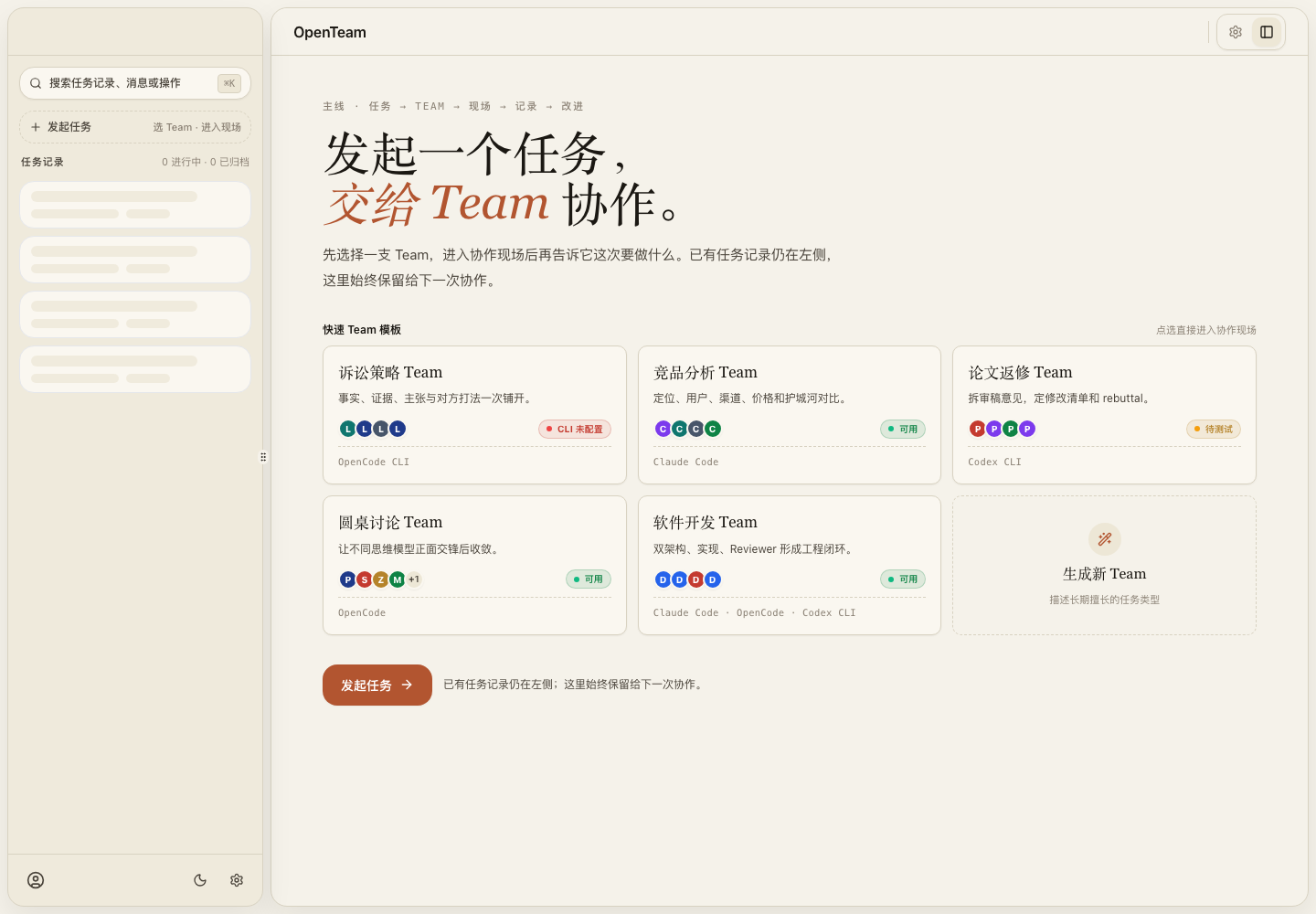
Many products still treat a team as multiple roles taking turns in a chat. OpenTeam focuses on real project work: constraints, handoffs, reviews, QA, and local workspace context.
Project files, context, and team memory stay on your machine first.
MIT License, no seat pricing, and no platform lock-in.
Different agents can use different providers and models for the job.
Planning, research, implementation, review, and QA can constrain each other.
Preserve project rules, user preferences, workflows, and lessons learned.
These pages are for people searching for a practical way to rehearse arguments, handle customer disputes, or challenge business decisions before they act.
Use several AI roles to rehearse a court-style debate, find weak points, and prepare stronger arguments. Not legal advice.
Open pageBring chat records, platform tickets, contracts, and customer claims. Get a one-page risk and response plan.
Open pageLet AI roles argue both sides of a launch, pricing, partnership, hiring, or product decision before you commit.
Open pageOpenTeam keeps the roles and evidence visible so a room can move from intent to delivery without losing the reasoning chain.
Start with a Team, a Workspace, and acceptance criteria for the room.
Agents can ask, challenge, and supplement each other with @mention.
Specialists work through the real project context instead of a detached prompt.
Reviewers demand tests, logs, screenshots, and concrete evidence before closure.
Settings expose the same objects the product is built around: Provider, Agent, Team, Team Architect, and Skills.
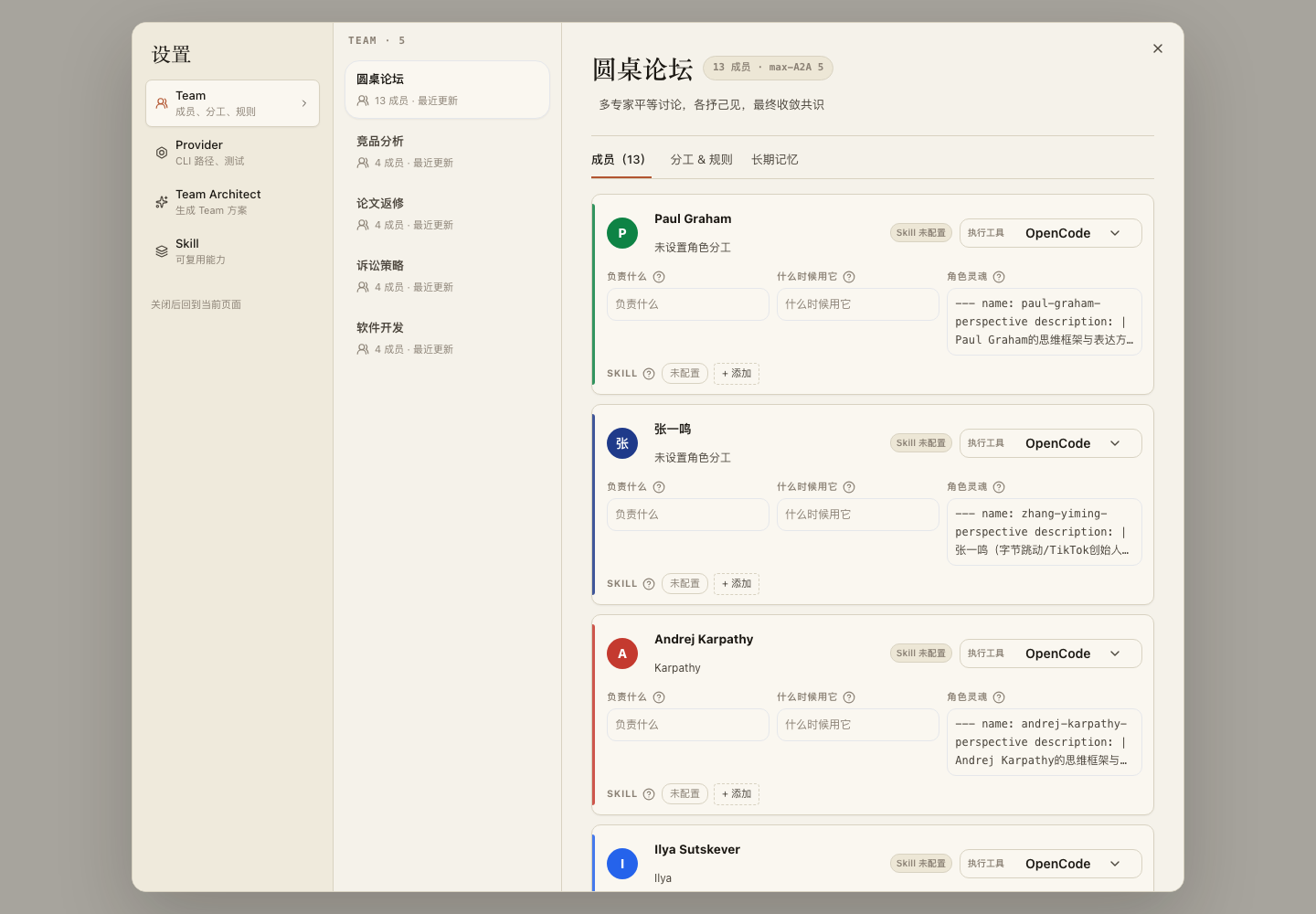
Preserve project rules, user preferences, and decisions.
Reusable workflows for engineering, research, writing, and distribution.
Link conclusions to files, commands, sources, and verification results.
Packaging, signing, and auto-update for Windows users.
The desktop app runs frontend and backend capabilities inside Electron. It does not expose HTTP service ports to end users, and upgrades do not overwrite local SQLite, workspaces, or Provider configuration.